Engage Virtual Classroom Technology
Engage combines competence with advanced technology to create a blended solution that is designed to make English learning convenient and fun for both teachers and students. Engage Academy is a next-generation learning management system that integrates various virtual classroom tools in one easy-to-use platform.
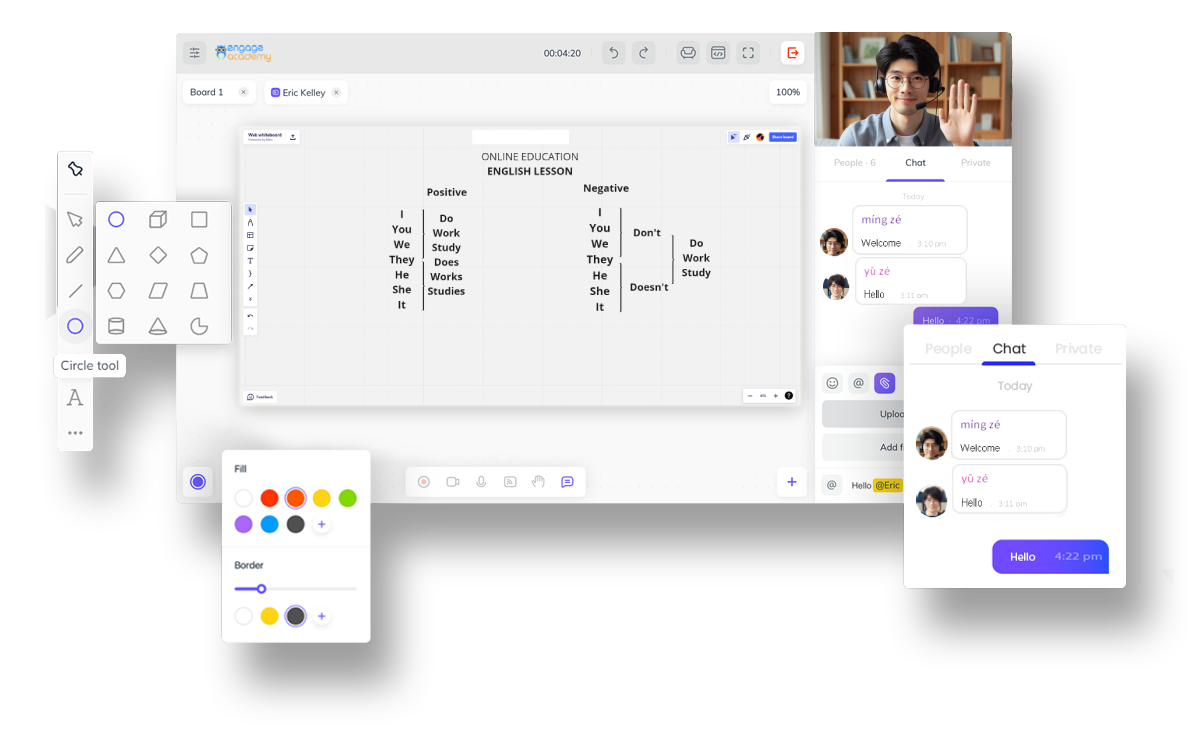
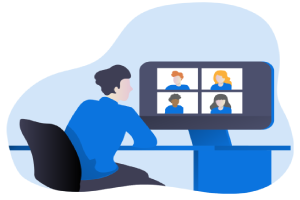
Using the system, teachers can conveniently manage their schedules and launch their classes without the need to switch from one application to another. The live-conferencing and whiteboard tools allow teachers and students to interact with each other, just like in an in-person classroom setting.
Key features and teaching tools:
With all these features combined, you get a powerful,
integrated learning management system that provides a seamless learning experience for students with unparalleled efficiency.
Shared interactive whiteboard
The shared interactive whiteboard is a collaborative digital platform that allows multiple users to participate in real-time interactive drawing, writing, and content sharing, fostering teamwork and communication in various educational and professional environments.
Live conferencing that supports up to 1080p HD video streams
Real-time video conferencing supporting up to 1080p HD video streaming makes high-definition real-time video communication possible, providing participants with a clear and detailed visual experience.
Two-way VoIP
Bidirectional VoIP (Voice over Internet Protocol) enables two-way audio communication over the internet, allowing users to engage in real-time voice conversations.
Group Chat for real-time interaction and information sharing
Group chat is a way of real-time interaction and information sharing that enables multiple users to engage in simultaneous instant messaging.
Application and Desktop Sharing
Application and desktop screen sharing allow users to showcase and collaborate on their computer screen or specific applications in real-time, enhancing collaboration and presentations.
Live closed captioning
Real-time subtitles for video calls provide real-time text transcription of verbal speech during video calls, enhancing accessibility for individuals with hearing impairments.
Media Player
Using a media player in online classrooms effectively showcases and shares educational content, including videos, audio, and other multimedia resources, enhancing the learning experience.
Session Recording
Recording online classroom sessions can capture and store the entire virtual classroom session, enabling students to review course content later or for use by those unable to attend the live session.